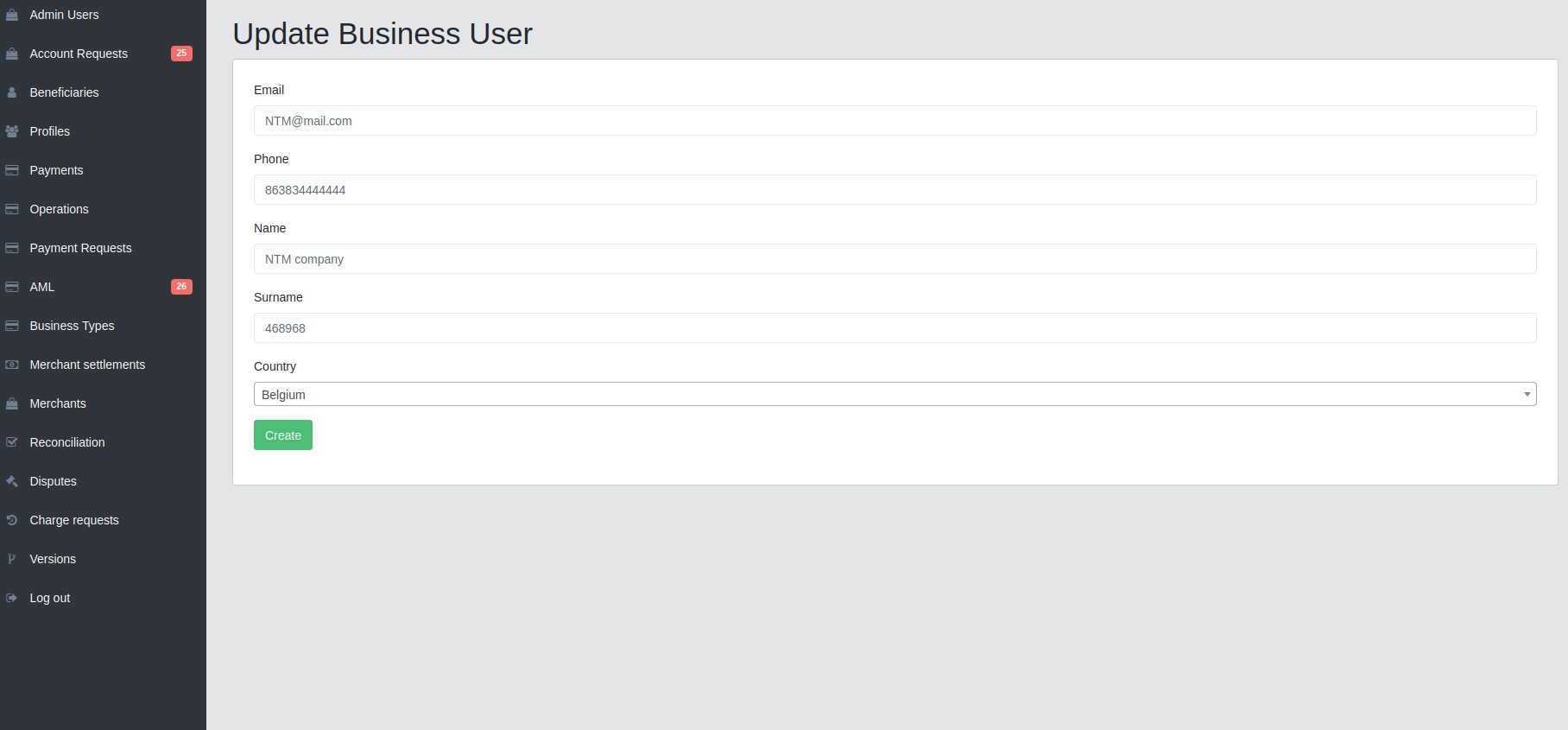
Profiles
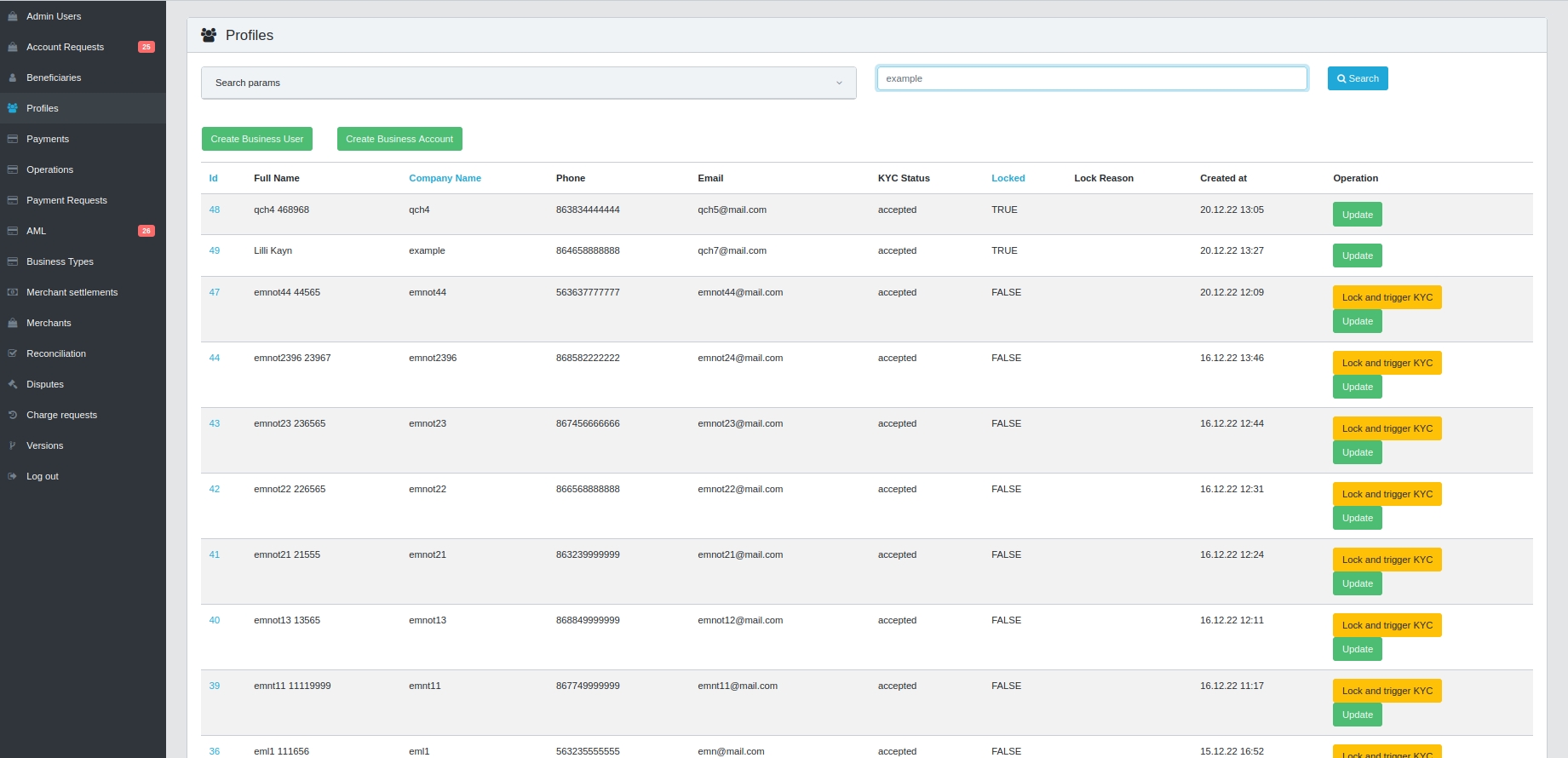
In the
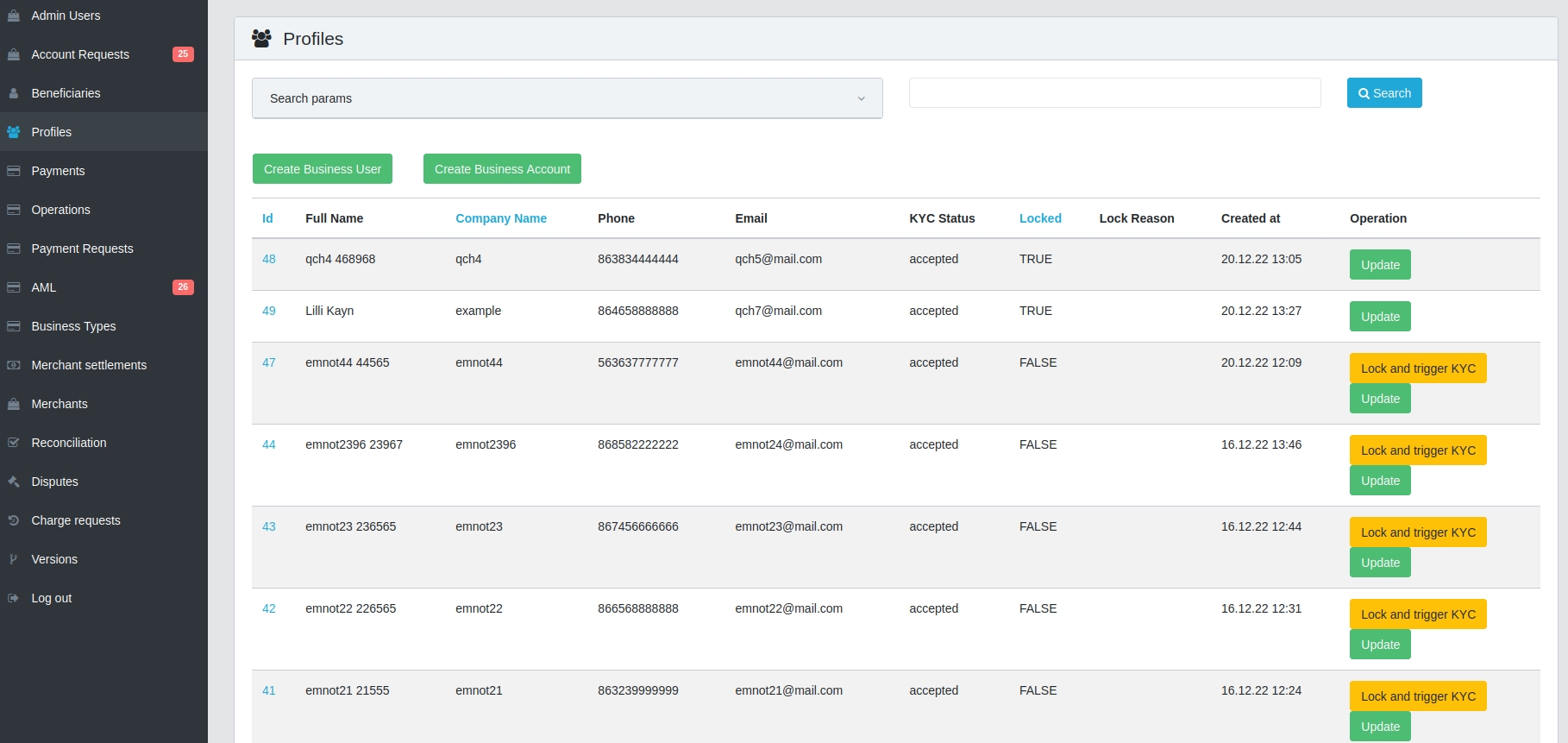
Profilestab, you can sort profiles byID,Company name,Lockedcolumns in descending or ascending order by clicking on the corresponding column

To search for profiles by statuses, click on the
Search paramsfield and selectKYC status

To search by individual profile parameters, you need to use the
Searchfield on the top right
By clicking on the
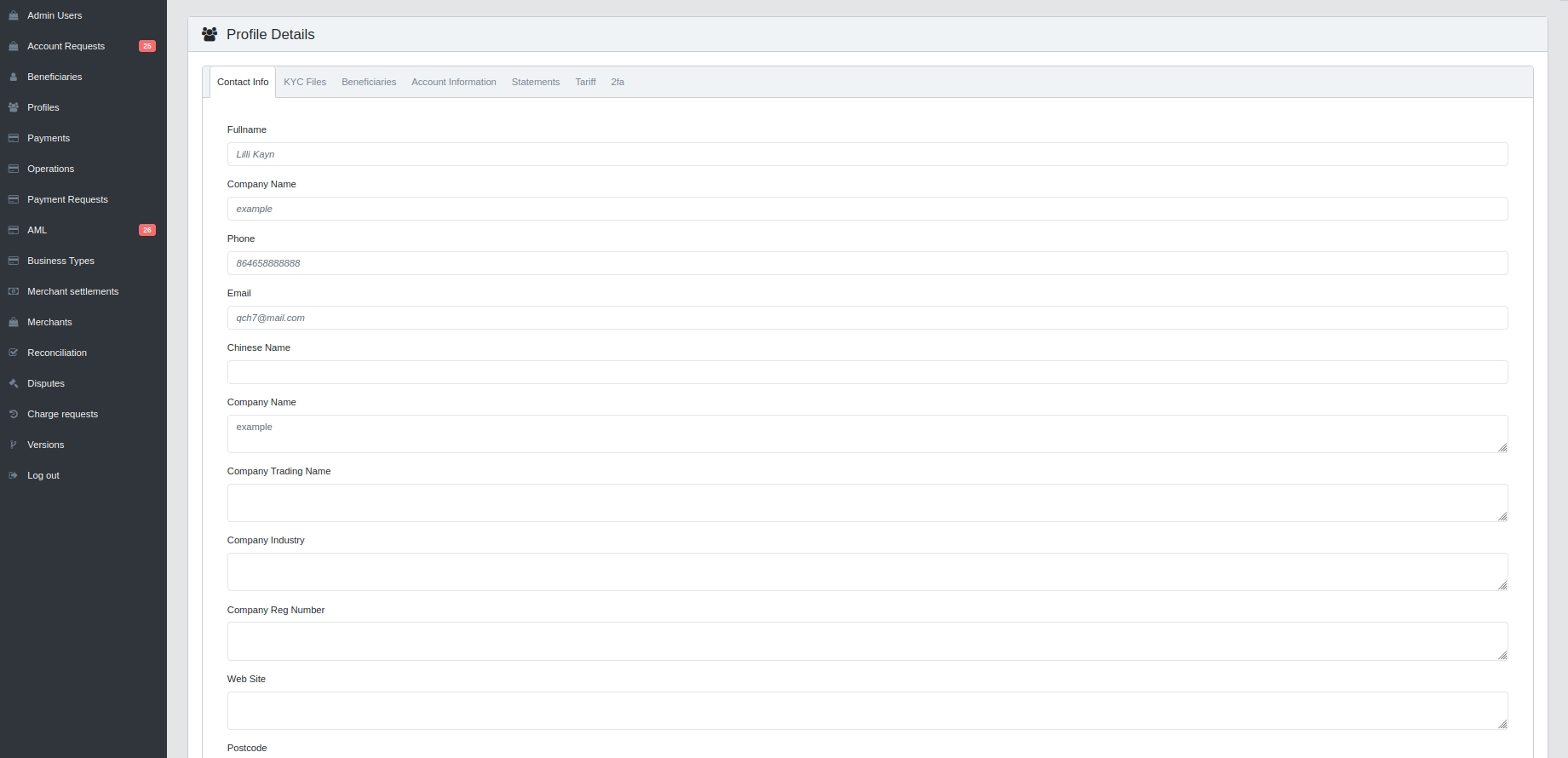
Idnumber, you can view all the information about the existing merchant. You can make changes on these pages and click theSavebutton at the bottom.
In the
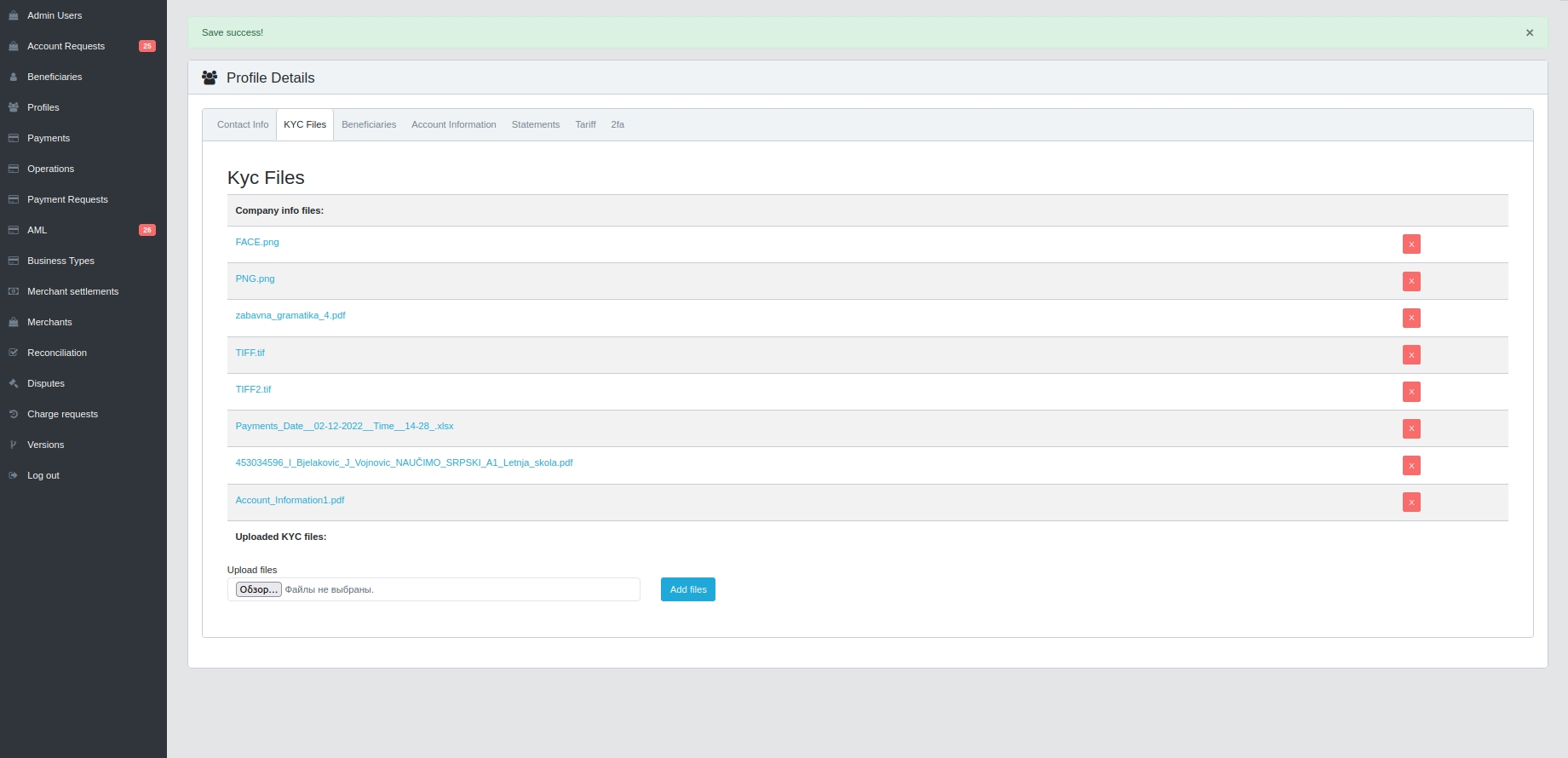
KYC Filestab, you can delete or add new files. By clicking on theBrowsebutton, add files and click on theAdd filesbutton.
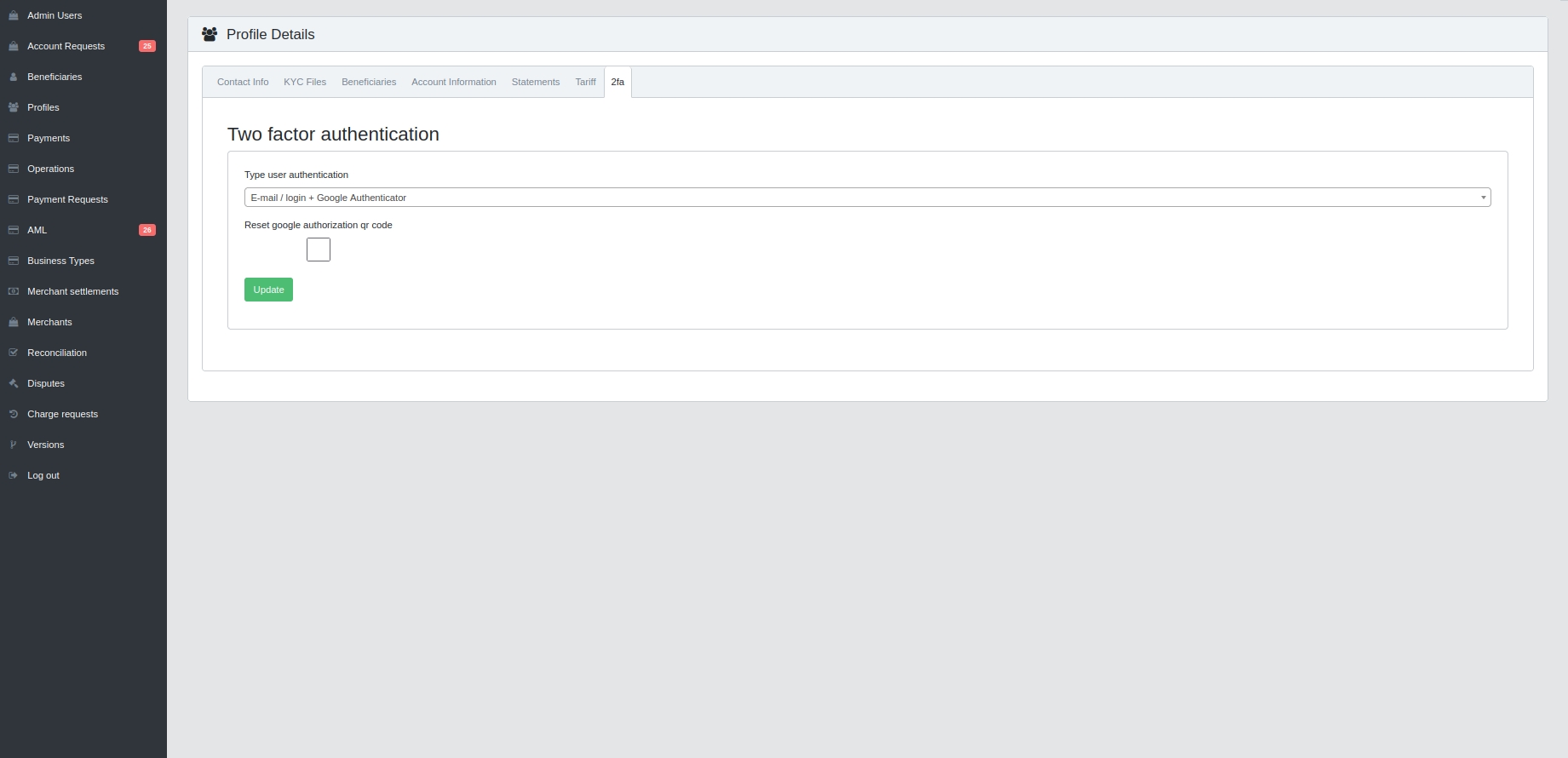
On the
2FAtab, there is an option to Reset google authorization qr code. To use it, check the box and clickUpdate.
To update the profile information, you can click on the
Updatebutton at the profile on the right
On the update information tab and click on the
Createbutton