Merchants
On the
Merchantstab, you can create a new merchant by clicking on the+Add newbutton.
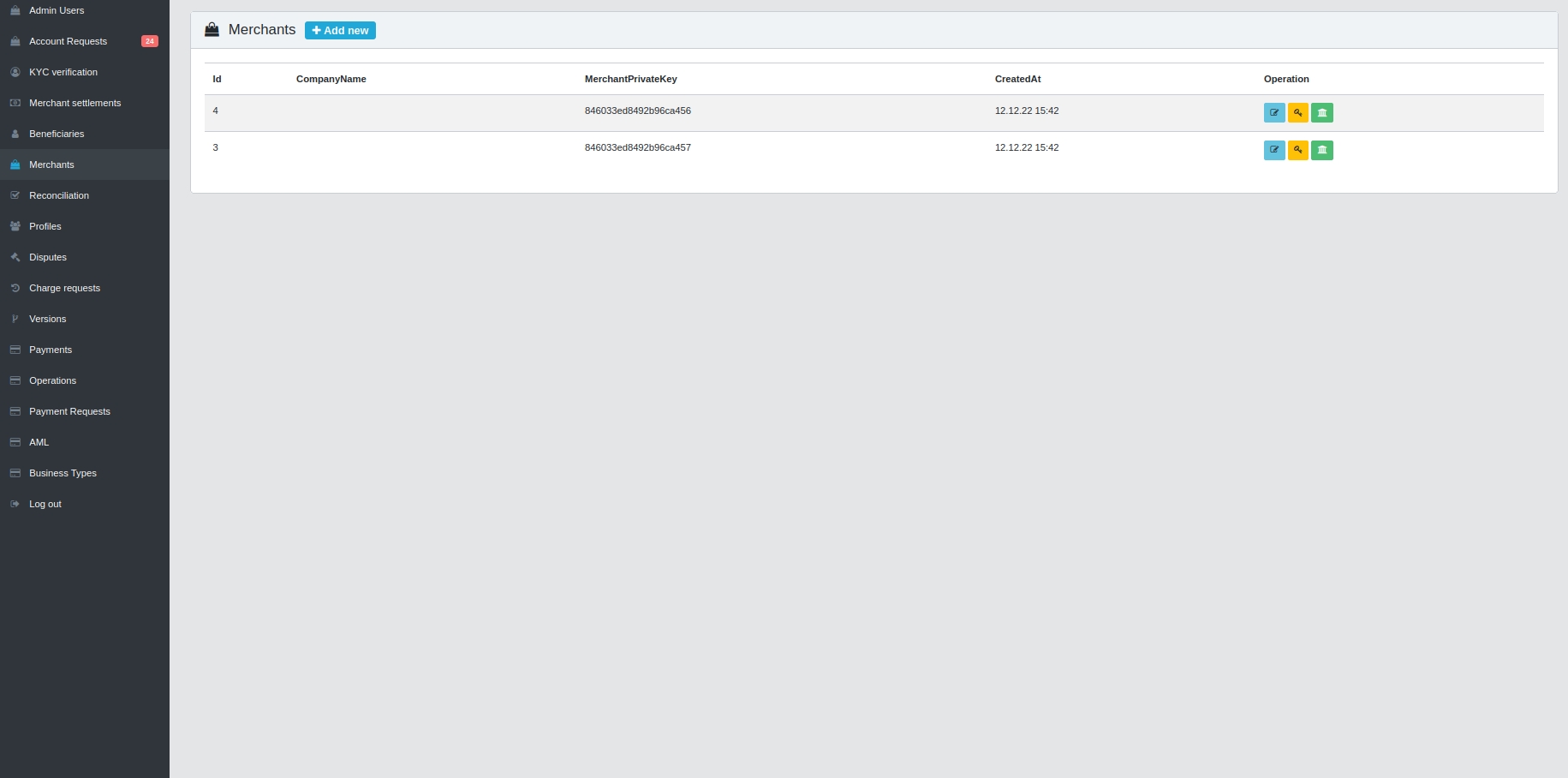
When you click on the button, a field appears in which information about the merchant is entered When filling in all the fields, click on the
Add merchantbutton
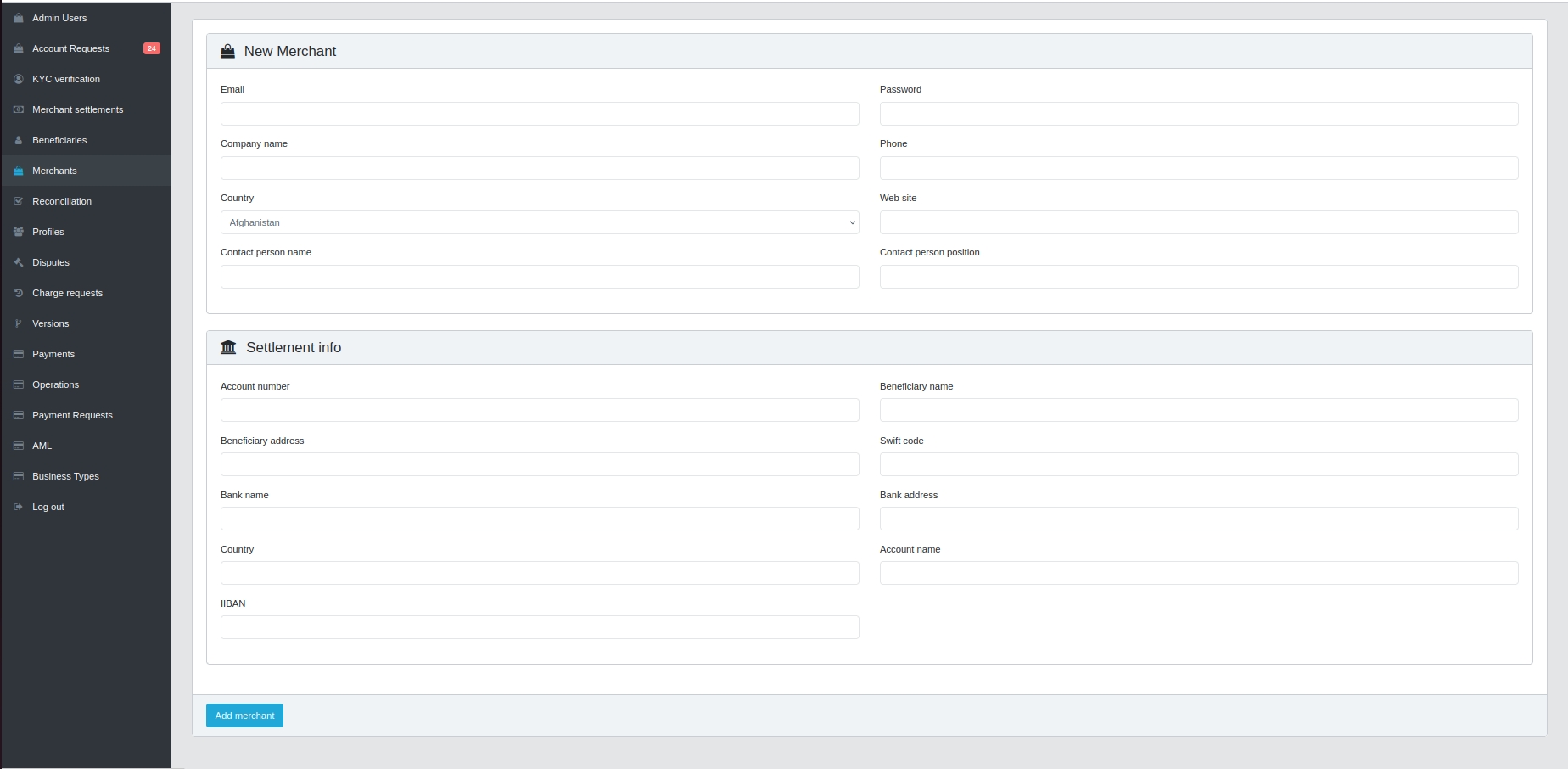
When creating a Merchant, it is assigned a MerchantPrivateKey
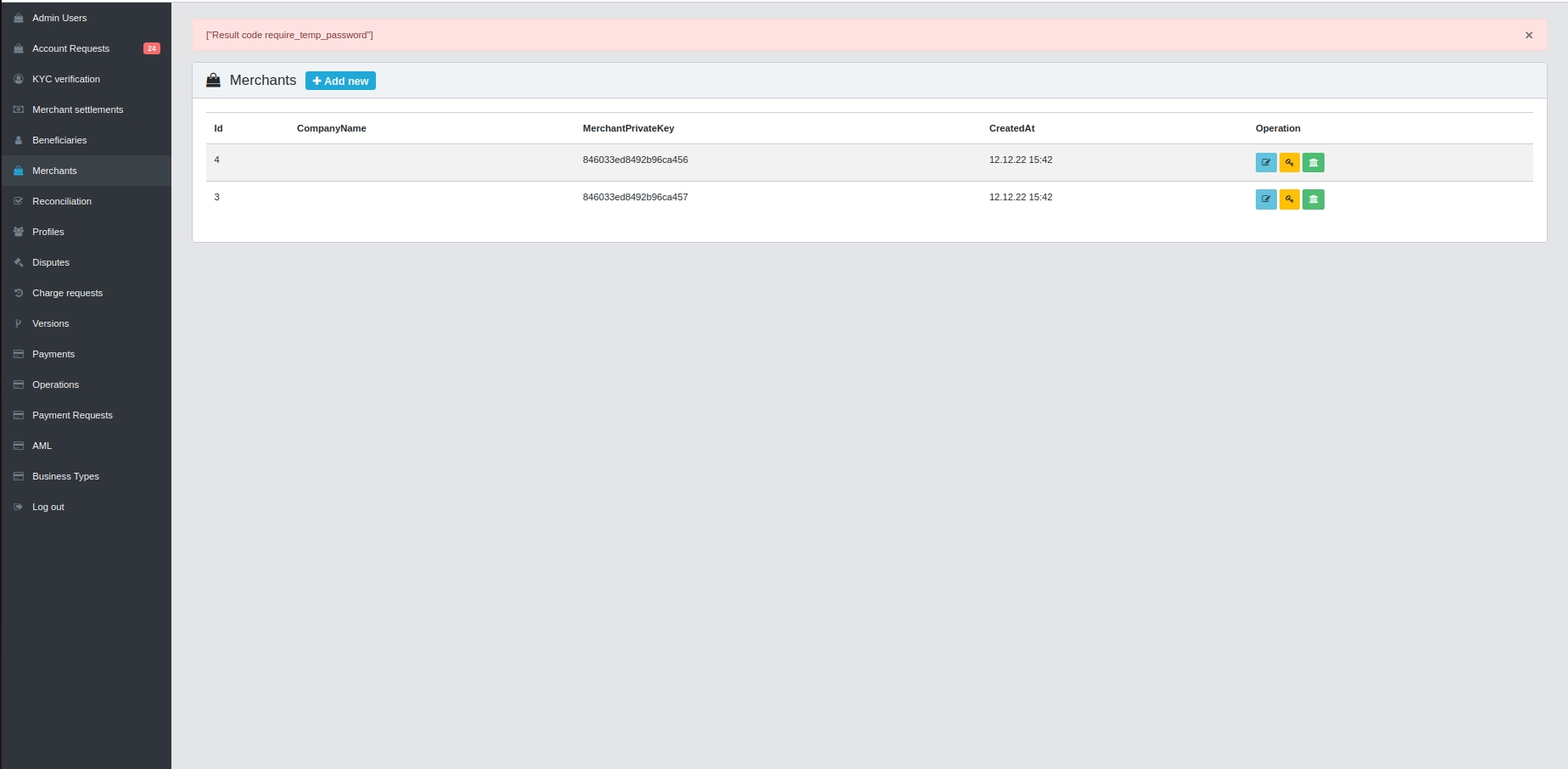
3 buttons located on the right in each line of the merchant can perform the functionality:

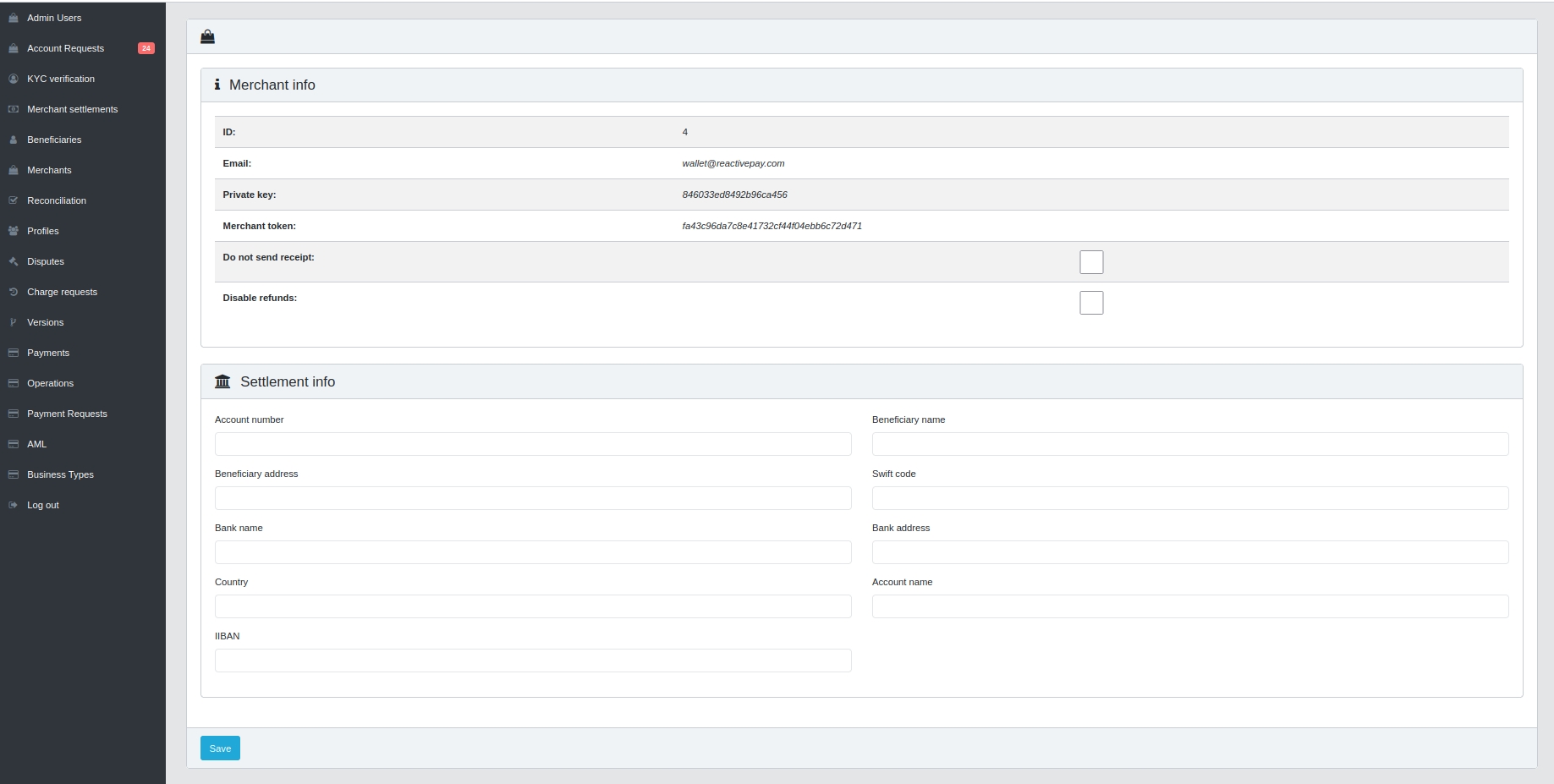
Opens information about merchants, you can cancel refunds and sending receipts in the settings. Also fill in the
Settlement info. After you finish working with the tab, clickSave.
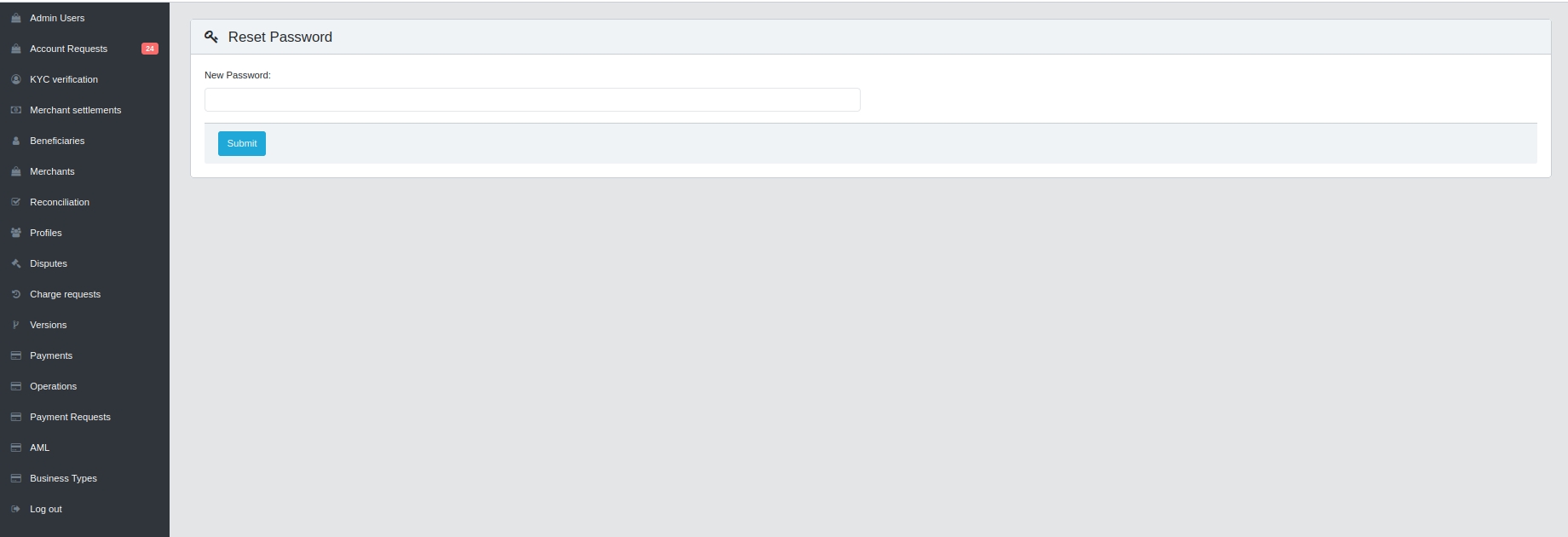
The button with the image of the key

opens a window where it is possible to change the account password. After entering the passport in the window, you need to click
Submit
The next button

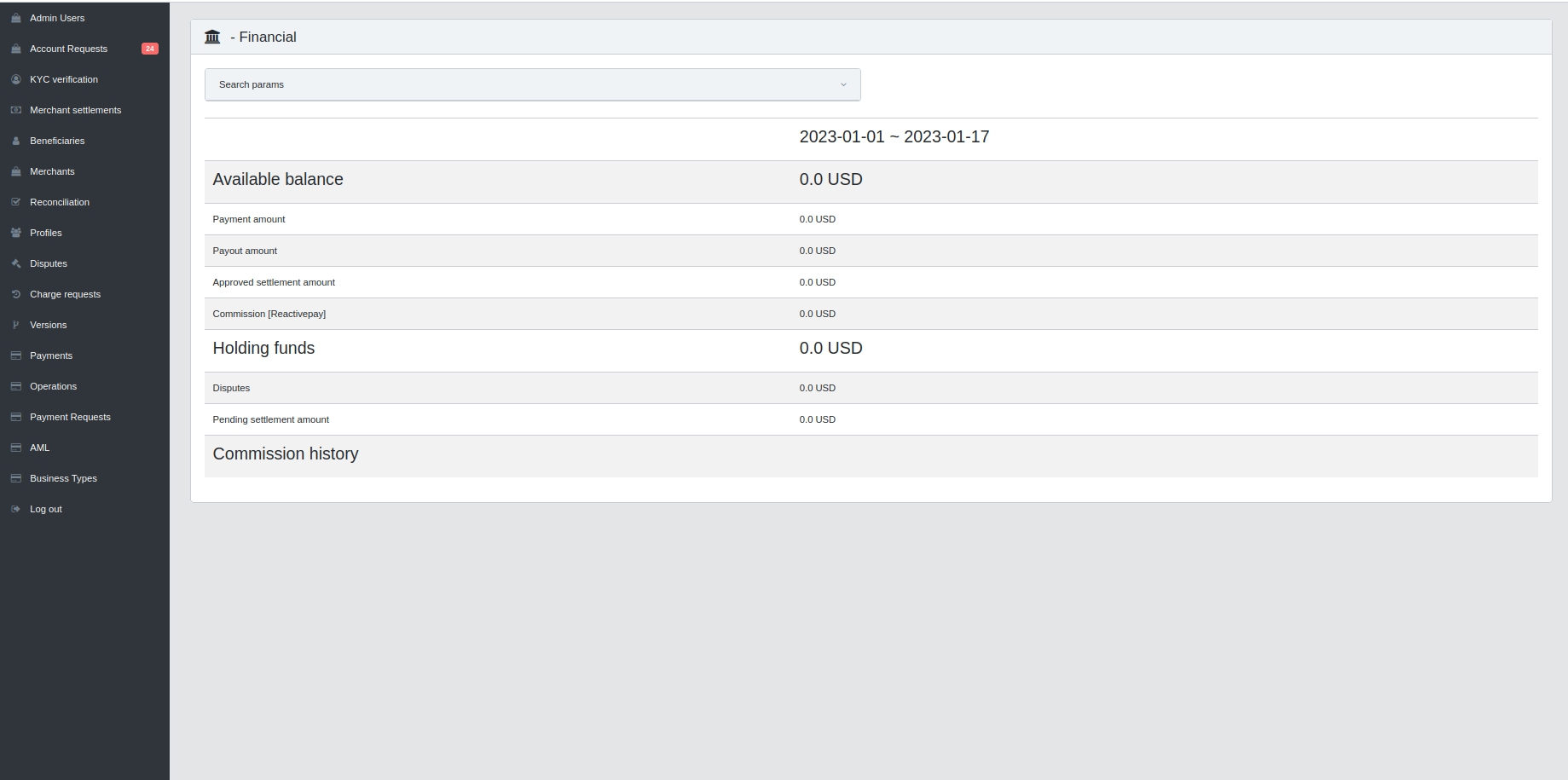
Opens a tab with all the information about the account balance and its history